Instagram analytics falls into four different jobs: measuring an account you control, reporting across a team, monitoring public competitors, and researching the creative patterns behind Reels. No single product has the same access to every category.
1. Pick the tool by data access
| Need | Best starting point | Why |
|---|---|---|
| Metrics for an account you manage | Instagram Insights | First-party source for the account’s private analytics |
| Public Reels and creative-pattern research | ContHunt | Searches and analyzes visible short-form content across platforms |
| Social reporting and benchmarking | Socialinsider, Metricool, Sprout Social, Hootsuite, Buffer, Dash Social | Dashboards, exports, team workflows, or defined competitor sets |
| Brand and conversation monitoring | Brand24 or a social-listening suite | Broader mention and sentiment workflows |
| Publishing plus basic performance review | Metricool, Buffer, Later, Hootsuite | Connects planning with owned-account results |
2. Ten Instagram analytics options
1. Instagram Insights
Use the native product first. It is the authoritative source for the accounts you manage and avoids confusing estimates with private account data.
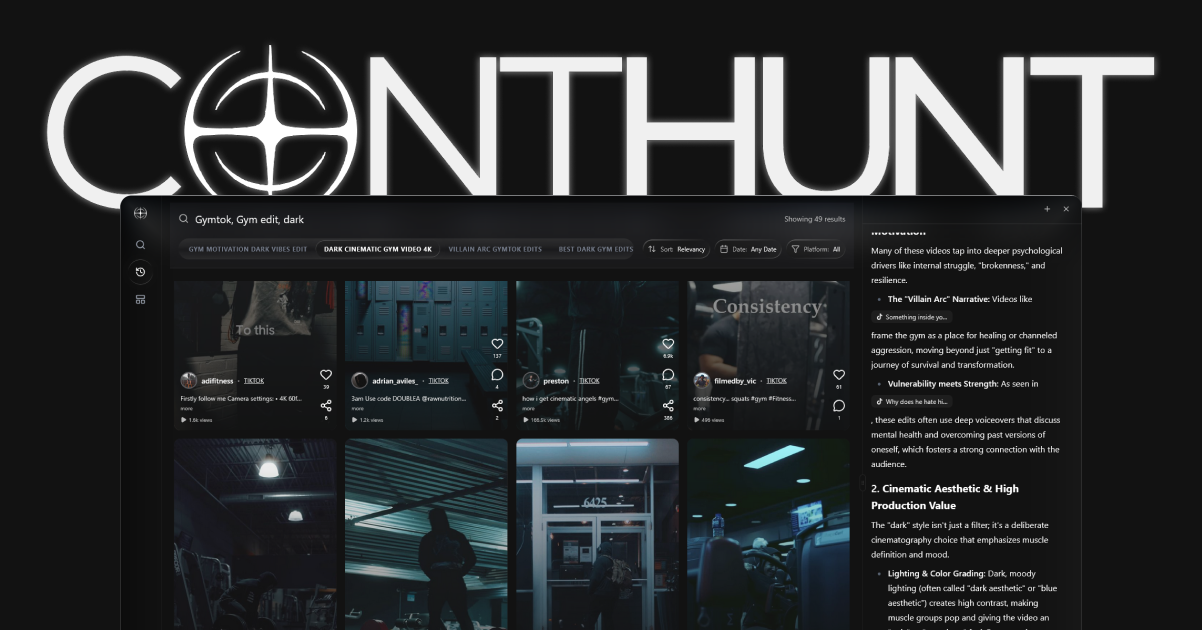
2. ContHunt
ContHunt is for public content research, not private Instagram analytics. It helps teams find Reels, compare visible examples, and analyze elements such as hooks, pacing, overlays, captions, and repeatable creative patterns.
3. Socialinsider
Useful when a team needs social benchmarking and repeatable reports across a defined set of profiles. Confirm network, history, export, and profile limits for the plan you are evaluating.
4. Metricool
A practical option for teams that want publishing and reporting in one workflow. Separate metrics from connected accounts from any public competitor views.
5. Sprout Social
Best considered as a broader team platform for reporting, listening, engagement, and governance rather than a creator-only Instagram dashboard.
6. Hootsuite
Combines publishing, reporting, and social research capabilities. Check which analytics and competitive features are included in the current plan.
7. Buffer
Fits smaller teams that want straightforward publishing and performance review. It is not a substitute for a dedicated market-intelligence product.
8. Dash Social
Appeared in our August 2026 first-page sample for Instagram analytics queries. Evaluate it when brand reporting and visual-content workflows are central to the brief.
9. Brand24
Useful when the question is broader than post performance and includes mentions, conversations, or reputation monitoring.
10. Later
Best known for planning and publishing workflows. Confirm the exact analytics, history, and export coverage you need before choosing it for reporting.
3. What the current SERP shows
On August 26, 2026, we checked first-page results for instagram analytics tools and best instagram analytics tools 2026. Rankings can vary, but the sample surfaced:
- Instagram’s own Help Center for the generic analytics query.
- Comparison pages from Buffer, Brand24, Dash Social, and other vendors.
- Dedicated benchmarking and public-analysis tools.
- A mixed SERP rather than one universally dominant product type.
The search-experience implication is that readers need a clear data-access decision before a ranked list. A page that promises private competitor metrics or unsupported forecasts does not answer the real question safely.
4. Native analytics versus public competitor research
Use Instagram Insights to answer:
- How did this Reel perform for my account?
- Who did it reach?
- What engagement or watch behavior does Instagram expose to me?
- Did it drive follows or another account action?
Use public competitor research to answer:
- Which topics and formats are competitors publishing?
- Which public posts visibly outperform an account’s usual range?
- Which hooks, captions, overlays, or video structures repeat?
- Which patterns appear across Instagram, TikTok, and YouTube Shorts?
Do not treat public likes, comments, or modeled engagement as a competitor’s private retention or conversion data.
5. A practical Reels review
- Export or record the first-party metrics for your own recent Reels.
- Group them by topic, hook, length, format, and call to action.
- Compare each group with your own typical performance.
- Review public competitor examples for missing topics and creative patterns.
- Turn one evidence-backed difference into the next content test.
- Record the result before changing another variable.
6. Questions to ask before buying
- Which metrics come from connected first-party accounts?
- Which competitor metrics come only from public data or estimates?
- How much history is included?
- Are Reels, Stories, and carousels reported separately?
- Can the tool export the fields your team actually uses?
- Are benchmarks based on a disclosed peer set?
Conclusion
Start with Instagram Insights for accounts you manage. Add a reporting suite when collaboration and exports justify it, and use ContHunt when you need a research layer for public Reels and cross-platform creative patterns. The safest stack keeps first-party facts, public observations, and modeled estimates clearly separated.
Related guides
- Instagram Reels Analytics
- Instagram Competitor Analysis Tools
- Social Media Analytics Tools
- Instagram Reels Content Ideas
Sources
- View account and content insights on Instagram · Instagram Help Center
- Instagram analytics · Socialinsider
- Best social media analytics tools · Buffer
- Metricool pricing · Metricool