In 2026, editing is no longer a chore—it is a competitive advantage. The algorithm’s “eyes” have become incredibly good at detecting high-production value, specifically focusing on Visual Velocity and Audio Clarity. If your video looks like it was made in 2022, it will likely be swiped away.
Here is how to edit your Shorts for maximum growth in the current attention economy.
1. The “Hook-First” Editing Workflow
Don’t edit from start to finish. Spend 50% of your time on the First 3 Seconds.
- Visual Jolt: Start with a movement or a sudden change in lighting.
- Text Barrier: Place a large, controversial, or curiosity-inducing headline across the middle of the screen immediately.
- Fast Cut: Make your first cut at exactly 1.5 seconds to establish the pacing.
2. Implementing “Visual Velocity”
Visual Velocity is the frequency of changes on screen. In 2026, the human attention span for a single static shot on a mobile device is approximately 2.8 seconds.
- B-Roll Overlays: Use stock footage or localized B-roll to cover long speaking segments.
- Zoom In/Out: A subtle 10% zoom in for emphasis and zoom out for a new point can keep a single shot feeling dynamic.
- Dynamic Captions: Use “Pop-up” captions that highlight the word currently being spoken.
3. AI-Powered Editing Tools
Stop manually masking and framing. Use the tools available in 2026:
- Auto-Reframe: If you record in 16:9, use AI tools to intelligently crop the most important part of the frame into 9:16.
- AI B-Roll: Describe a concept, and have your editor (like CapCut or Runway) generate a relevant overlay clip instantly.
- Noise Removal: Use AI vocal isolation to make a video recorded in a busy street sound like it was made in a studio.
4. The 2026 Pacing Model: Hook-Value-CTA
- The Hook (0-5s): The problem or the teaser.
- The Value (5-50s): The solution, the joke, or the lesson. Keep things moving with cuts.
- The CTA (50-60s): Use a “Visual CTA”—show a follow button or a related video link rather than just saying it.
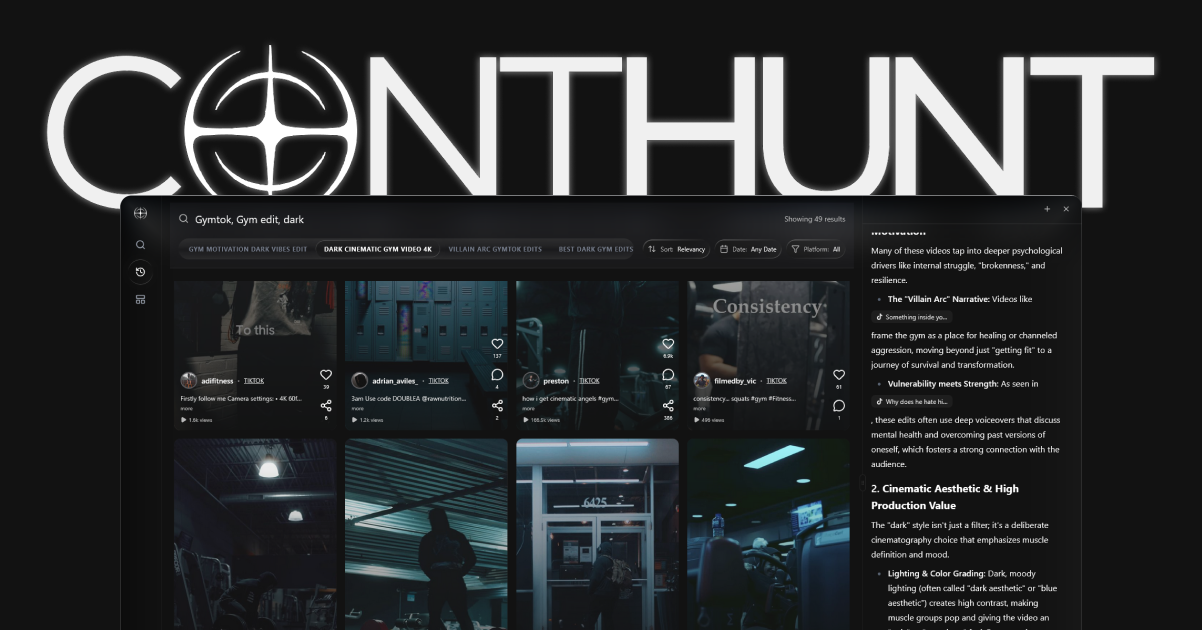
Pro Tip: Using ContHunt for Creative Direction
Before you sit down to edit, use ContHunt to find the top 3 videos in your niche from the last 48 hours. Deconstruct their pacing. If the top-performing video has a cut every 1.5 seconds, aim for that. Don’t fight the audience’s current preference—ride it.
Conclusion
Editing in 2026 is about speed and psychology. By using AI to handle the technical heavy lifting and focusing your creative energy on visual pacing, you can create Shorts that don’t just get views, but build a genuine following. Remember: The edit isn’t finished when there’s nothing left to add, but when there’s nothing left to take away.
Key data
- Retention Uplift
- 35% — Videos using dynamic text overlays and frequent cuts see a 35% higher retention rate than static 'talking head' videos.
- AI Efficiency
- 2h Saved — Using AI-based B-roll generators and auto-reframing tools saves creators an average of 2 hours per video edit in 2026.