
How to Make a YouTube Short: The Step-by-Step 2026 Guide
Short Answer
To make a high-performing YouTube Short in 2026, use the 'Remix' or 'Green Screen' tools to interact with existing viral content. Videos that add an original perspective to a trending topic have a 3x higher probability of being picked up by the algorithm compared to isolated, standalone uploads.
How to Make a YouTube Short: The Step-by-Step 2026 Guide
The process of making a YouTube Short has shifted from simple recording to interactive storytelling. In 2026, the Shorts camera is packed with AI-driven tools that allow you to react, remix, and respond to the world around you in real-time.
Whether you are a professional creator or just starting out, follow this updated workflow to create content that captures attention.
Step 1: Choosing Your Format
In 2026, there are three primary ways to start:
- Original Clip: Record something fresh using the native 9:16 camera.
- Green Screen: React to a news article, a tweet, or another video. This is the fastest way to build authority in a niche.
- Remix: Take a 15-second segment from your (or someone else’s) long-form video and turn it into a Short.
Step 2: Recording with Intention
- The Timer & Speed: Use the 3-second or 10-second timer to ensure your first frame is perfect.
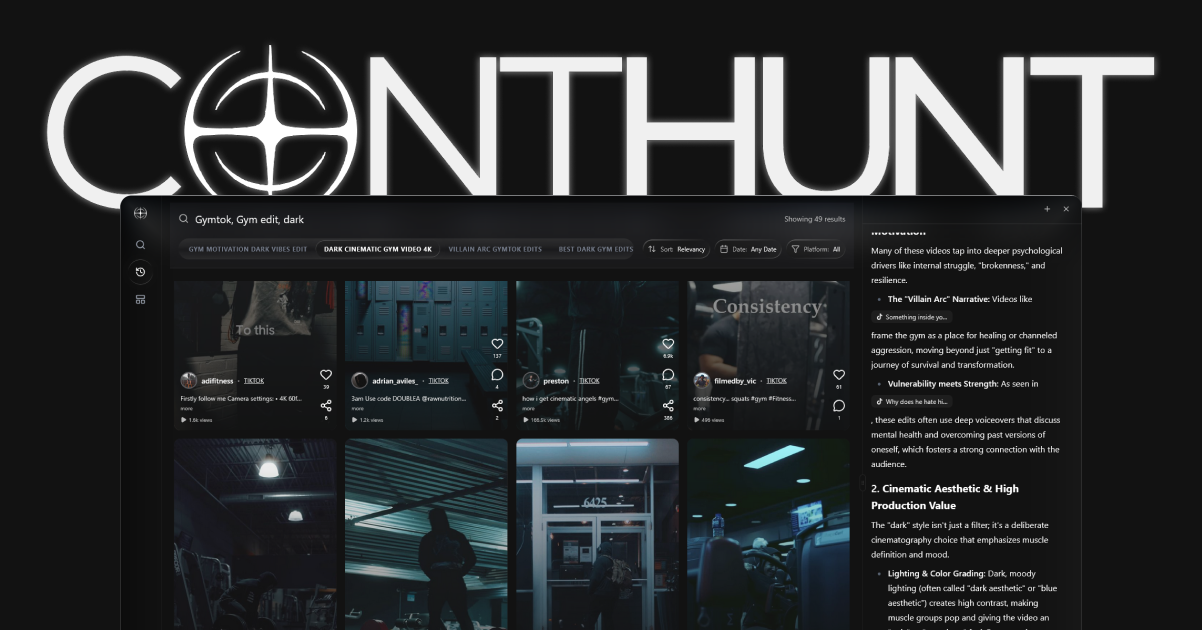
- Audio Selection: Tape ‘Add Sound’ at the top. Use ContHunt to find the “Velocity Leaders”—songs that are currently on a steep upward trend.
- Lighting: In 2026, the algorithm can detect “dim” lighting and may lower the reach. Always record in front of a window or use a ring light.
Step 3: The 2026 Editing Layer
- Dynamic Text: Move your text overlays to different parts of the screen throughout the video. This “Visual Jolt” keeps the viewer engaged.
- Filters & Effects: Use the ‘Retouch’ or ‘Lighting’ filters sparingly. 2026 audiences prefer an “Authentic” look over a heavily filtered one.
- The Loop: Try to end your video where it began. If the transition is seamless, users will re-watch, giving you a 110%+ retention rate.
Step 4: Optimization & Posting
- The Thumbnail: You can now select a specific frame as your thumbnail in 2026. Choose the most expressive or curious moment.
- Title SEO: Use 40-50 characters. Include your main keyword and an emoji that matches the vibe.
- Related Video: Crucial for 2026—link your Short to a longer video on your channel to drive deeper engagement.
Pro Tip: Using the “Collab” Feature
One of the best ways to grow in 2026 is the Collab Remix. This splits the screen between you and another video. Use it to provide a “Reaction” or to “Complete the Joke.” The algorithm actively pushes Collab videos because they strengthen the community graph of the platform.
Conclusion
Making a YouTube Short in 2026 is about more than just hitting ‘Record.’ It’s about leveraging the platform’s interactive tools to join a larger conversation. By using Green Screen to add your voice to trends and Remix to repurpose your best ideas, you can build a channel that is both highly visible and deeply engaging. Use ContHunt to track your metrics and see which formats are resonating most with your audience.
Key Data Points
Remix Advantage
3x Growth
Channels that use the 'Remix' feature at least twice a week see 3x faster subscriber growth in 2026.
Audio Discovery
65%
Percentage of viewers who find new Shorts via the 'trending audio' link at the bottom of the screen.