
How to Make YouTube Shorts: The Ultimate 2026 Beginner Guide
Short Answer
To make a YouTube Short in 2026, tap the '+' icon in the YouTube app and select 'Create a Short.' For beginners, the most effective strategy is to use the '15-Second Rule'—keep your first 10 videos under 15 seconds to ensure a 100% completion rate, which signals to the algorithm that your content is high-quality.
How to Make YouTube Shorts: The Ultimate 2026 Beginner Guide
YouTube Shorts has become the gateway for new creators to find their voice in 2026. You no longer need a studio or a complex editing suite to reach millions of people. All you need is a smartphone and a basic understanding of what makes people stop scrolling.
If you are a beginner, follow this simplified 4-step process to get your first Short live and trending.
Step 1: Accessing the Creator Tools
- Open the YouTube App on your mobile device.
- Tap the (+) Plus Icon in the center of the bottom navigation bar.
- Select Create a Short.
- If it’s your first time, allow permissions for your camera and microphone.
Step 2: The Perfect Recording Setup
In 2026, “Authentic” is the new “Professional.”
- Vertical Framing: Always hold your phone vertically (9:16).
- The 15s vs 60s Toggle: Tap the ‘15’ in the top right corner to switch to ‘60’. Beginners should start with 15-second videos to master pacing.
- The Speed Tool: Use the 0.5x or 2x tools to create cool slow-motion or fast-action effects without needing external software.
Step 3: Fast & Effective Editing
YouTube’s in-app editor has become incredibly powerful in 2026.
- Text Overlays: Add a title that stays on screen for the first 3 seconds. Use high-contrast colors (e.g., White text with a Black background).
- Filters: Use the ‘Magic’ filter to automatically adjust your lighting and skin tones if you are recording indoors.
- Voiceover: If you recorded a silent video, use the ‘Voiceover’ button to add narration after the fact.
Step 4: Metadata that Matters
- The Title: Keep it under 50 characters. “How to [Benefit]” or “[Number] Tips for [Topic]” are the best-performing formats.
- The Caption: Mention one thing you want people to do, like “Subscribe for more gym tips!”
- Audience Settings: Always select “No, it’s not made for kids” (unless it truly is) to ensure your comment section and ad-revenue sharing are enabled.
Pro Tip for Beginners: The “First Comment” Trick
As soon as your Short is live, leave the first comment yourself. Ask a question related to the video. In 2026, the algorithm sees “Comment Activity” as a sign of a healthy community and will push your video to more people to help find the answer.
Conclusion
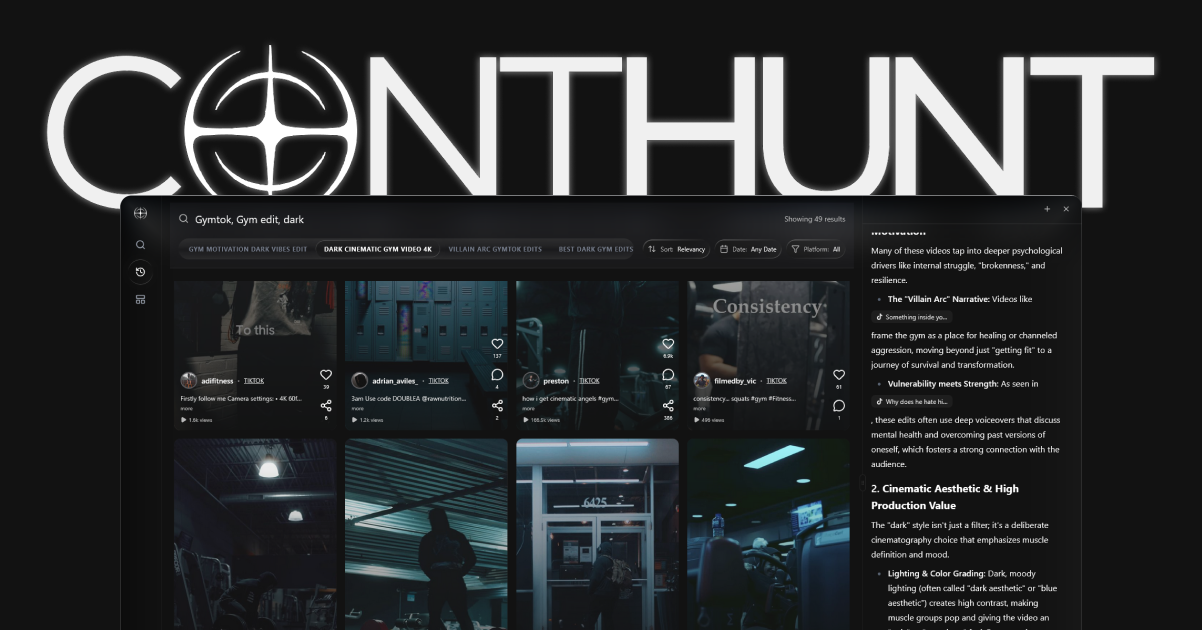
Starting a YouTube Shorts channel in 2026 is about consistency over perfection. Don’t worry if your first few videos don’t get thousands of views. Use each upload to learn something new about your pacing or your hooks. With tools like ContHunt to track what’s working in your niche, you’ll be able to refine your strategy and grow your audience faster than you ever thought possible.
Key Data Points
Beginner Completion Rate
95%
The target completion rate for 15-second Shorts to trigger the 'Viral Test' for new channels in 2026.
Mobile Discovery
90%
Percentage of Shorts views that happen exclusively on mobile devices in 2026.