Review a Reel’s watch time alongside reach, saves, and shares, then compare similar posts over the same observation window. Your own recent results are a more useful starting point than an unexplained viral benchmark.
This guide separates published metric definitions from an editorial review workflow. It does not assign Instagram an undisclosed ranking formula or promise that a particular percentage unlocks distribution.
1. Start with the metrics available in your account
Open the insights available for your Reel and record the labels exactly as shown. Account access, app versions, and feature availability can affect what you see. Mark unavailable fields as unavailable rather than substituting a public number.
Meta’s April 2023 Reels announcement distinguishes total viewing time, including repeat viewing, from the average time spent playing a Reel. These describe viewing behavior; neither is a published distribution threshold.
Meta’s November 2023 update introduced replay reporting and announced a retention chart. Those dated announcements explain the features’ origins; they do not prove that every account has the same interface today.
2. Give each metric a specific question
| What you record | Question to investigate | Comparison to avoid |
|---|---|---|
| Watch time and video length | Does the opening lead into a useful payoff? | Judging a short loop and a long tutorial by seconds alone |
| Views and reach, where available | Is the result broad exposure or repeat viewing? | Treating the two labels as interchangeable |
| Saves | Did people want to return to the information? | Calling every saved post a future viral hit |
| Shares | Is there a clear reason to send this to someone? | Inferring an exact recommendation boost |
| Follows attributed to the Reel, where available | Did this topic give viewers a reason to follow? | Crediting every account-level follow to one post |
These are questions for interpreting your results, not a ranking of Instagram’s internal signals.
3. Use a comparison worksheet
Choose several recent Reels with a similar purpose. For each one, record:
- The Reel URL, publication date, topic, and length.
- The opening promise and when the payoff appears.
- The observation date and time since publication.
- Available watch-time and interaction figures.
- Whether promotion, a collaboration, or another distribution difference could affect the comparison.
- One change to test next.
If you calculate a save rate, label the denominator. For example, saves divided by accounts reached and saves divided by views are different calculations. Keep the same definition across the worksheet. Leave the rate blank when the denominator is zero or unavailable.
4. Turn a finding into one edit
Suppose a tutorial gets useful comments but loses viewers before the demonstration. An editorial test is to show the finished result earlier and shorten the setup. Record that hypothesis before publishing the next version.
Compare it with similar tutorials after the same amount of time. A better result suggests a direction to investigate; it does not isolate the edit as the cause. Topic demand, audience mix, and distribution can also change.
For examples to adapt, see the Reels content ideas guide. For platform-specific measurement differences, read Reels versus Shorts analytics.
5. Keep public research separate from private analytics
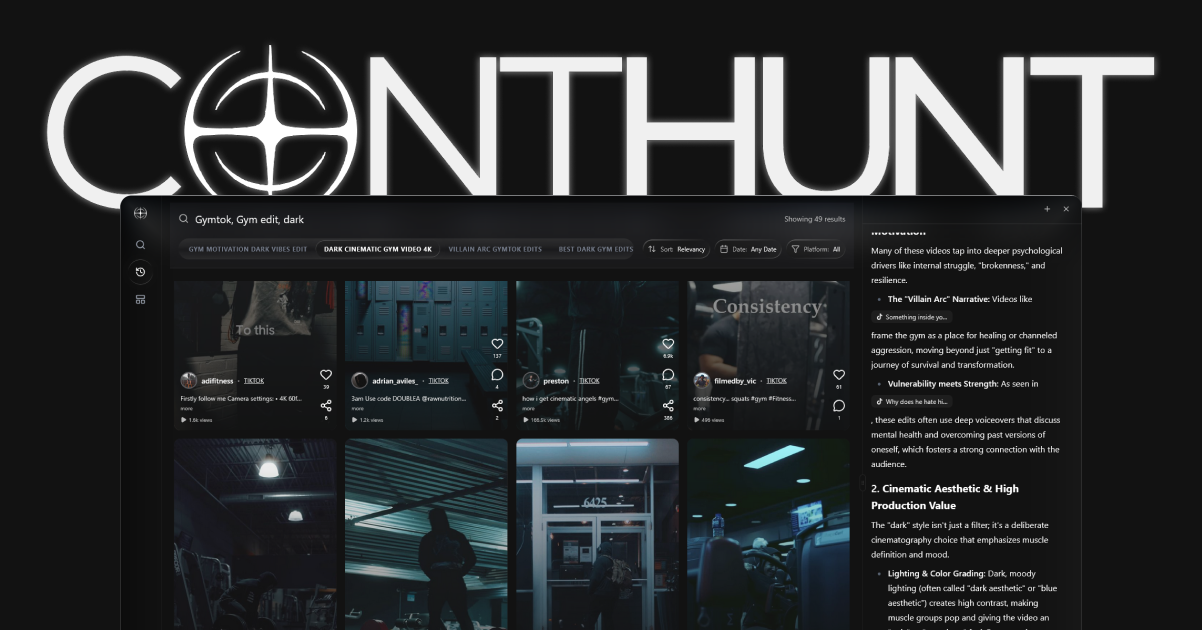
Use ContHunt to inspect public videos, compare openings, and keep source links for your brief. Public engagement does not reveal another creator’s private retention curve. Validate the resulting creative idea against your own Instagram Insights.
If you need reporting software, compare the purposes covered in Instagram analytics tools: owned-account reporting, public competitor research, and client reporting are different jobs.
Review checklist
- [ ] Similar topics and lengths compared?
- [ ] Observation windows matched?
- [ ] Metric labels and rate denominators recorded?
- [ ] Missing private data left unknown?
- [ ] One concrete edit chosen for the next test?
Correction, September 27, 2026: Removed unsupported viral probability claims, fixed retention cutoffs, and the claimed “Node-Alignment” dashboard. The replacement uses linked Meta definitions and explicitly labeled editorial advice.
Sources
- New Features on Instagram Reels: Trends, Editing and Gifts · Meta Newsroom, April 2023
- New Ways to Create Content on Instagram · Meta Newsroom, November 2023