Hashtags can connect a Short to related videos and hashtag search pages, but they are only one part of discovery. A relevant hashtag cannot rescue a vague title, misleading cover, or weak opening.
This guide separates YouTube’s published rules from practical testing advice, then gives you starter sets you can adapt to the actual topic of your video.
If you need a full hook, caption, retention, and hashtag workflow across TikTok, Reels, and Shorts, use the short-form video best practices guide. This page stays focused on YouTube Shorts hashtag selection.
1. What YouTube Officially Says About Hashtags
YouTube’s hashtag guidance says hashtags connect videos and playlists that share a topic and let viewers find related content through search. Creators can add them to a title or description, and YouTube may display up to three description hashtags above the title. YouTube does not publish an ideal count or promise that a particular hashtag will improve recommendations. It does warn that hashtags become less relevant as more are added; if a video or playlist has more than 60, every hashtag is ignored. Unrelated or misleading hashtags can also trigger removal under YouTube’s metadata policies. The safe conclusion is simple: use only tags that accurately describe the video, keep the list short enough to stay focused, and treat hashtags as supporting metadata rather than a shortcut to reach.
A practical 3-to-5-tag starting point is an editorial test, not an official YouTube rule.
2. Research Hashtags From Relevant Videos
Static lists age quickly. Start with videos that are currently outperforming in the same niche, then record the topic language and recurring hashtags they use.
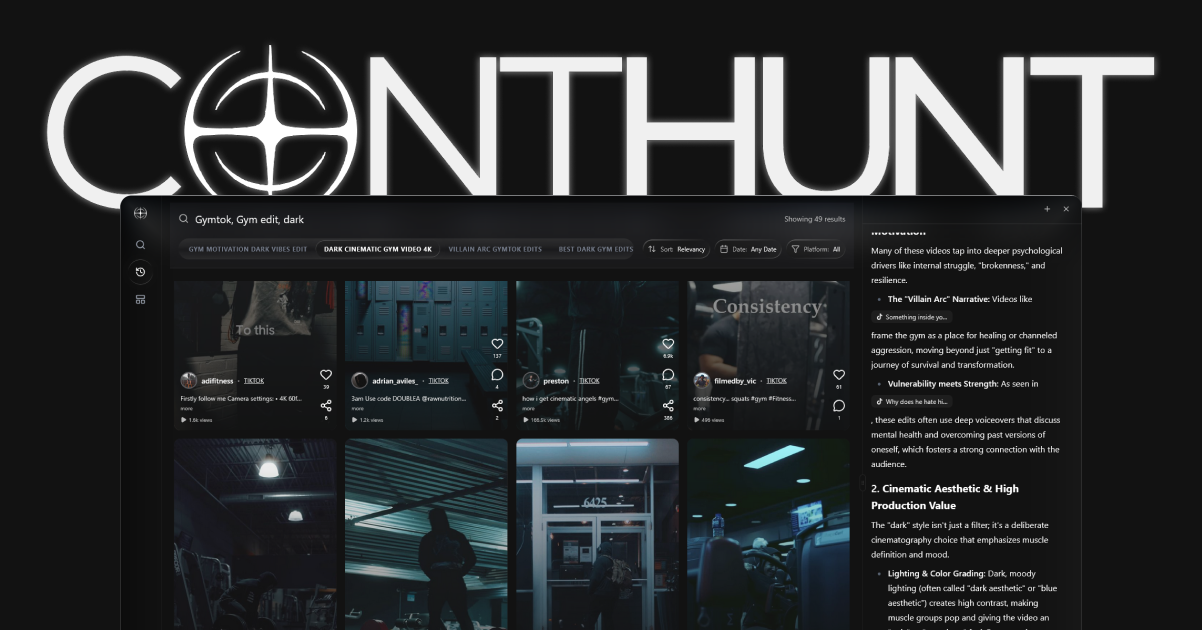
- Use ContHunt to find outlier short-form videos in your niche.
- Compare the tags on several winners instead of copying one viral post.
- Keep only tags that match your own video’s subject and audience.
- Recheck the pattern as the topic changes.
This makes competitor research useful without pretending that a repeated tag caused the views.
3. Starter Hashtag Sets for 2026
These are examples, not pre-validated performance guarantees. Replace broad tags with the most accurate topic and sub-niche for each Short.
Gaming
- The Essentials:
#Shorts #YouTubeShorts #GamingCommunity - The Pro Stack:
#GamerTok #ShortsGaming #GamingClips #GamePlaythrough - Mobile Focus:
#MobileGaming #GamingLife #Shorts
Beauty & Fashion
- The Essentials:
#Shorts #BeautyTips #Skincare - The Glam Stack:
#MakeupTutorial #BeautyHacks #GRWM #MakeupTransformation - Fashion Focus:
#OOTD #FashionTrends #StyleGuide #Shorts
Tech & Innovation
- The Essentials:
#Shorts #TechReview #Technology - The Innovation Stack:
#FutureTech #Gadgets #TechShorts #Innovation - AI Focus:
#ArtificialIntelligence #TechTrends #Shorts
Comedy & Entertainment
- The Essentials:
#Shorts #ComedyShorts #Funny - The Humor Stack:
#SketchComedy #Jokes #LOL #Relatable - Prank Focus:
#Pranks #Humor #ShortsFeed
4. Pair a Broad Topic With a Specific One
A broad tag can describe the category while a specific tag describes the actual subject. For example, pair #Gaming with #MinecraftShorts only when the Short is genuinely about Minecraft. The value is clarity for viewers and topic matching, not a published confidence score or guaranteed recommendation boost.
5. Hashtags Are Not Packaging
Hashtags help classify a Short, but they do not replace a strong title, thumbnail, or opening frame.
Hashtags classify a Short. They are not the whole packaging system. For hooks, captions, and retention, use the short-form video best practices guide and YouTube Shorts Best Practices 2026. For where to put tags, read hashtags in the title vs the description and YouTube tags vs hashtags. For the next topic to film, use the YouTube Shorts content ideas hub.
Use this order:
- Write the hook first.
- Pick the title that states the promise clearly.
- Choose or upload a readable cover.
- Add a few accurate hashtags that confirm the topic.
For the packaging pieces, read YouTube Title Character Limit 2026 and YouTube Shorts Thumbnail Best Practices 2026.
2026 Hashtag Strategy Checklist
- [ ] Does every hashtag accurately describe the Short?
- [ ] Did I remove broad or unrelated tags that add noise?
- [ ] Is the title clear without relying on hashtags?
- [ ] Did I compare several relevant outlier videos before choosing topic tags?
- [ ] Am I below YouTube’s 60-hashtag policy limit?
Conclusion
Hashtags in 2026 are useful for clarity and related-topic discovery, not guaranteed reach. Use a focused set that matches the video, follow YouTube’s published rules, and spend more effort on the title, cover, hook, and viewer payoff.
Related Reading
- YouTube Shorts Best Practices 2026
- 100+ YouTube Shorts Ideas for Every Niche
- How to Identify Market Trends in 2026
- Short-Form Video Best Practices 2026
- How to Find Winning Short-Form Content
- 15 Best Competitor Analysis Tools for 2026
Key data
- Visible Hashtags
- Up to 3 — YouTube may show up to three hashtags from the description above the video title.
- Over-Tagging Limit
- More than 60 — YouTube ignores every hashtag on a video or playlist that exceeds this limit.
Sources
- Find playlists and videos using hashtags · YouTube Help
- Add tags to your YouTube videos · YouTube Help