If you have ever posted a video you were sure was a winner, only to watch it stall, the problem may be topic timing. Trending research helps you separate a live search pattern from a stale idea.
This guide keeps the workflow evidence-based: use public trend tools, public YouTube surfaces, competitor examples, and your own channel analytics. Do not treat any third-party score as proof of YouTube’s private ranking system.
1. What “Trending Search” Means
A trending search is a query or topic that is getting more attention than usual. You can observe it through:
- Google Trends with the YouTube Search filter.
- YouTube autocomplete suggestions.
- Public Trending, Explore, and hashtag pages.
- Competitor videos that outperform that channel’s normal range.
- Your own Search Console and YouTube Studio patterns.
2. 5 Ways to Find YouTube Trending Searches Right Now
Method A: The Incognito “Niche-Drill”
The Workflow: Clear your cookies or use a browser profile with no history. Type your niche (e.g., “Fitness”) into the YouTube search bar.
- The Method: Add a space and the letter “a”, then “b”, then “c”.
- The Caveat: Autocomplete is a discovery clue, not proof of search volume.
Method B: Google Trends (The “YouTube Filter” Hack)
Most creators use Google Trends incorrectly. For 2026 results, you MUST:
- Enter your term.
- Change “Web Search” to “YouTube Search”.
- Change “Last 12 Months” to “Last 7 Days”.
- Look at “Rising Queries”. If you see a term labeled “Breakout,” it means search volume has increased by over 5,000% in a week.
Google Trends Playbook for YouTube
If you came here from the old google-trends-youtube-guide page, this is the practical version.
- Compare the exact phrase you want to publish against nearby variations before you write the title.
- Watch the 7-day and 30-day curves together so you can separate real momentum from a one-day spike.
- Pull related queries and use the strongest one as the primary keyword, then support it with a stronger hook.
- Validate the trend against your own GSC data so you know whether the topic is actually relevant for your audience.
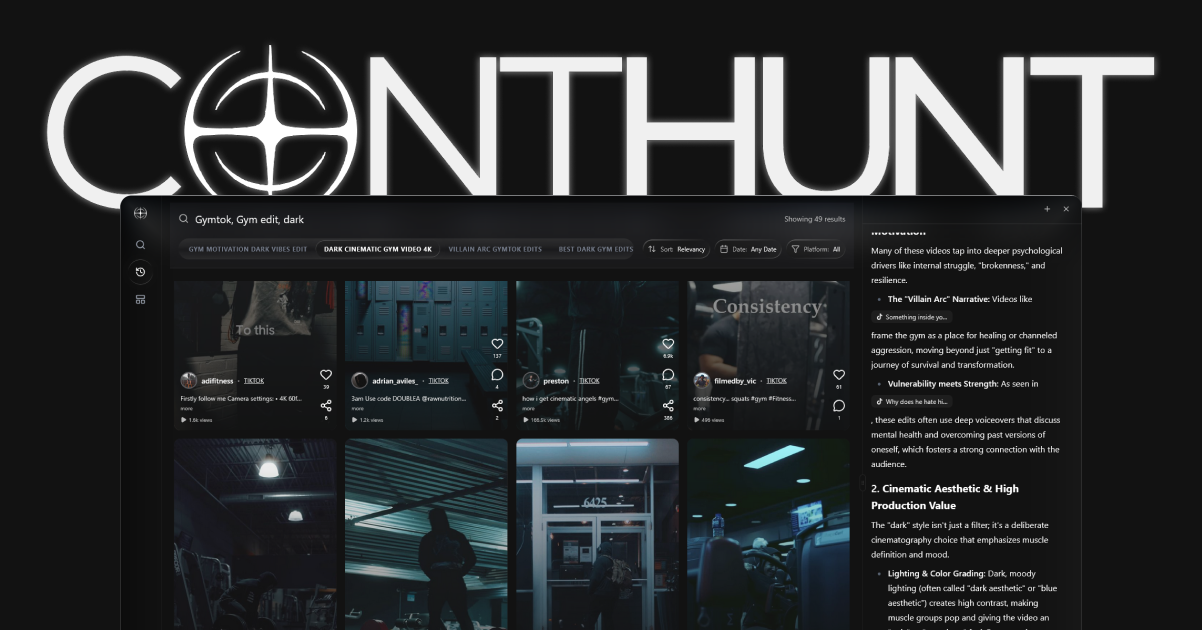
Method C: ContHunt Public Video Research
Use ContHunt to collect public short-form examples and compare visible creative choices.
- Outlier review: Look for videos that visibly outperform nearby posts from the same creator.
- Creative pattern review: Compare hooks, captions, pacing, topics, and formats before making your own version.
Method D: The “Ad Library” Intent Mine
Check public ad libraries for your niche. Paid volume does not prove YouTube search demand, but it can reveal language brands are testing.
Method E: Competitive “Delta” Auditing
Compare each competitor video against that channel’s usual range. A small channel with one unusually strong video can reveal a topic, format, or hook worth studying.
3. How to Capitalize on Trending Searches (The 2026 Funnel)
Finding the trend is 20% of the work. The other 80% is Strategic Placement.
The “Hijack & Hold” Strategy:
- Identify the Node: Is the trend a ‘News’ event (short-lived) or a ‘Behavioral’ shift (long-lived)?
- Create the ‘Bridge’ Content: Don’t just copy the trend. Find the Counter-Perspective. If everyone is saying “AI is amazing,” your trending search video should be “Why [Niche] is actually ignoring AI.”
- Optimize for the 2026 CTR: Your thumbnail must be an “Evolution” of the current trending thumbnails, not a copy. If the trend uses red text, use yellow. Contrast is the key to breaking the “Scroll Pattern.”
Internal Linking for SEO Dominance:
To ensure your trending content builds long-term authority, link it back to your evergreen hubs. For example, if you’re riding a Shorts trend, link to your YouTube Shorts Best Practices or use our YouTube Tracker to monitor the results.
4. Trending vs. Evergreen
Use both:
- Evergreen topics: Stable search intent that can keep earning views.
- Trending topics: Timely interest that may fade quickly.
The right mix depends on your niche, publishing cadence, and audience. Track the results in YouTube Studio instead of following a universal ratio.
5. Tool Comparison Matrix: Which should you use?
| Tool | Accuracy | Speed | Best For | Cost |
|---|---|---|---|---|
| Google Trends | High (Macro) | Lagging (24h) | Market Sizing | Free |
| YouTube Suggest | High (Intent) | Real-Time | Raw Titles | Free |
| ContHunt | Public examples | Current sample | Short-form creative research | Check current plan |
| vidIQ / Tubebuddy | Medium | Lagging | Tactical Checklists | $10+ |
6. The “Shorts-to-Search” Pipeline
Some search ideas start as visible Shorts patterns. When a style or topic keeps appearing, check whether people are also searching for tutorials, explainers, or comparisons around it.
- Tactical Tip: Use our YouTube Shorts Hashtags Guide to identify the semantic pairs for that trend, then release a 5-minute long-form tutorial to capture the search intent as it peaks.
2026 Creator Trends Checklist
- [ ] Have I verified the “Rising Query” status in Google Trends?
- [ ] Does my title match the “Exact Intent” of the trending search?
- [ ] Is my opening frame and first line clear enough to earn the next few seconds?
- [ ] Did I use ContHunt or another workflow to compare current public examples?
Conclusion
YouTube trending searches are not a matter of luck, but they are also not fully visible from any one tool. Pair free discovery methods with public short-form research in ContHunt, then use your own analytics to decide what to repeat.
Recommended Next Steps:
- Automate Your Competitor Tracking with YouTube Tracker
- Master Short-Form: 100+ YouTube Shorts Ideas
- 15 Best Competitor Analysis Tools for 2026
Sources
- Google Trends · Google
- YouTube Hashtag Help · YouTube Help
- YouTube Analytics Help · YouTube Help