
Best Social Media Analytics Tools: Choose by Data Source and Job
Short Answer
Choose social media analytics tools by the data you need. Use Instagram Insights, TikTok Studio, or YouTube Analytics for accounts you manage; use a reporting service such as Buffer, Metricool, or Sprout Social when you need connected-account workflows; use ContHunt for research on public short-form content, not private competitor analytics.
“Social media analytics” can mean private performance data for an account you manage, reports across connected profiles, social listening, or research on public posts. Those are different jobs and do not provide the same data. Start by deciding which question you need to answer.
1. Compare tools by data access
| Job | Starting point | What it is for |
|---|---|---|
| Measure an account you manage | Instagram Insights, TikTok Studio, YouTube Analytics | First-party account and content metrics available to that account |
| Report across connected accounts | Buffer, Metricool, Sprout Social | Scheduling or reporting workflows based on accounts and networks you connect; check current plan coverage |
| Research public short-form content | ContHunt | Find public examples and compare visible creative choices and engagement |
| Monitor mentions and conversations | A social-listening product | Track public mentions and conversations; confirm network coverage and query limits |
The platform’s own analytics should be your reference for an account you control. A third-party dashboard may import, transform, or omit metrics, so verify the source and definition of each field before comparing results.
2. Pick a tool for the workflow
Native platform analytics
Start with Instagram Insights, TikTok Studio, or YouTube Analytics for the account you manage. These tools are the right place to check account-specific reach, content results, audience information, and traffic sources that the platform exposes to you.
Connected-account reporting
Buffer, Metricool, and Sprout Social offer reporting or analytics workflows for supported connected accounts. Before choosing one, check the platforms, profile types, history, exports, team access, and metrics available on the exact plan you would use. Do not assume a feature shown in a vendor’s marketing page is included in every tier.
Public content research
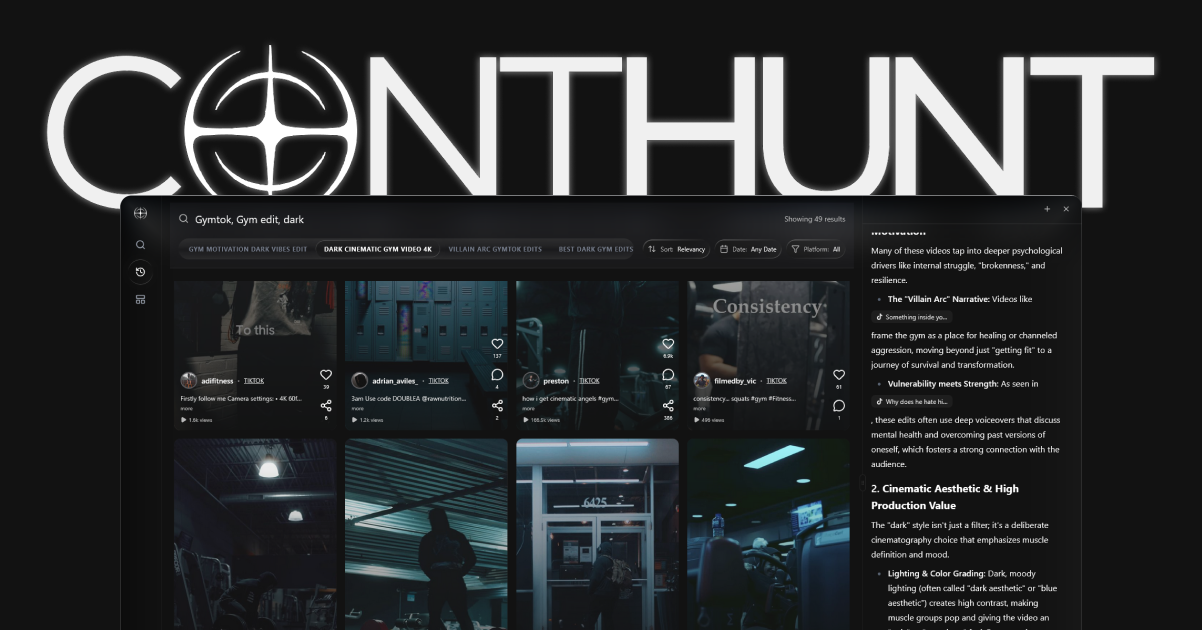
ContHunt is for researching public short-form videos and visible creative patterns. It can help organize examples by topic and compare observable features such as hooks, captions, and format. It does not expose another creator’s private retention, follower demographics, or conversions.
3. Use consistent definitions
Before comparing accounts or platforms, write down:
- whether the denominator is views, reach, impressions, or followers;
- which time range and publication date are used;
- whether a number comes from a connected account, a public post, or a modeled estimate;
- whether each platform defines a view or engagement the same way;
- how the tool handles deleted, unavailable, or cross-posted content.
Do not combine metrics with different definitions into one score unless the method is explicit and useful for the decision.
4. A simple evaluation checklist
Ask each vendor to show the workflow using the accounts, networks, and reports you actually need:
- Which data requires account authorization?
- Which competitor data is public, estimated, or unavailable?
- What is the refresh cadence and available history?
- Can you export the fields and date ranges your team uses?
- Are platform-specific metric definitions shown beside the numbers?
- Which plan includes the features you need, and what limits apply?
Conclusion
Use native analytics for owned-account truth, connected reporting tools for team workflows, listening products for conversation monitoring, and public research tools for competitor content. Choose by data access and decision, then keep those evidence types separate in your reports.
Related guides
Sources
- View account and content insights on Instagram · Instagram Help Center
- Creator tools on TikTok · TikTok Support
- YouTube Analytics overview · YouTube Help
- Meet Buffer's Insights · Buffer
- Metricool Analytics · Metricool
- Social media analytics · Sprout Social